When an on-model image is worth making
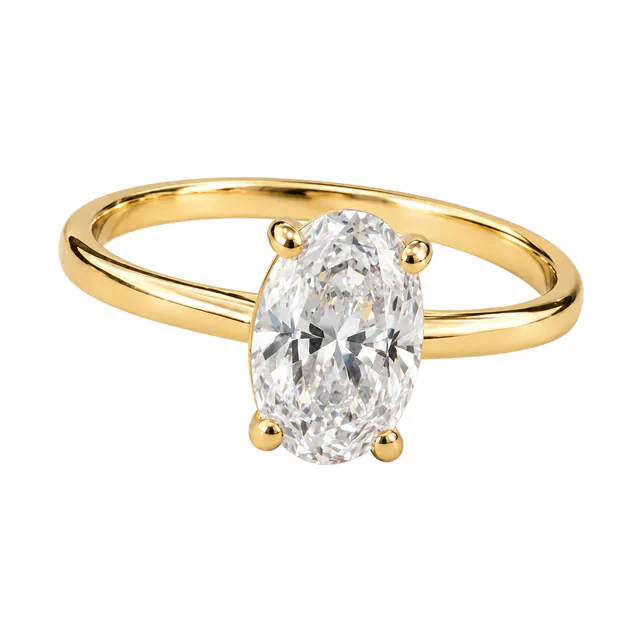
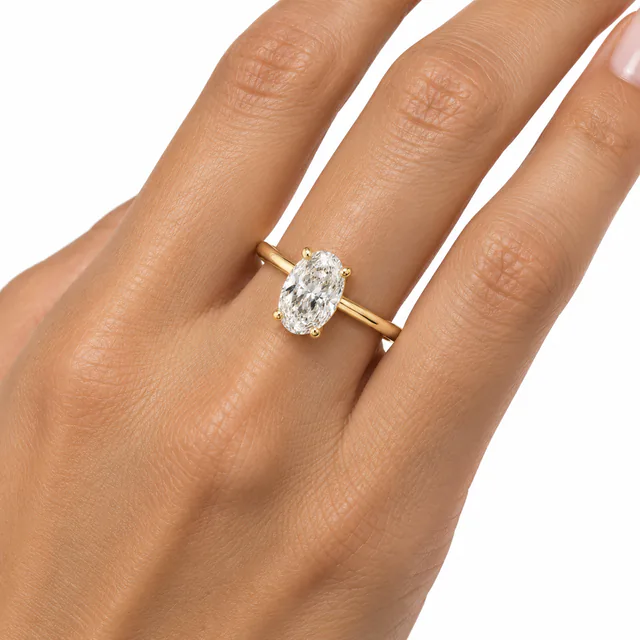
Clients often have a catalog shot of every piece but worn images of only a few, or none, and a model shoot for every piece is rarely in the budget. An AI on-model image fills that gap: it shows how a ring, earring, necklace or bracelet could look when worn, made from the product photo you already have.
- New pieces that need worn images before a shoot is booked.
- Product pages where buyers want to see how a piece sits on the body.
- Social posts and campaign drafts that need a person in the frame.
It is not a substitute for a real model shoot where exact fit and size matter, such as made-to-measure rings or pieces sold on precise dimensions.
Choosing the source shot
The AI works only from the photo you upload, so the source decides how much of the piece it can see.
- Use a shot where the whole piece is visible and sharp, including the clasp or back if the client cares about it.
- Prefer an angle close to how the piece is seen when worn: a ring from above or at three-quarters, earrings from the front.
- A clean catalog image is the easiest starting point. A cluttered client photo can work too, but check the details more carefully.
- Add up to 10 photos at a time in On-model mode. Each becomes its own result.
What the AI decides for you
In Lustrei’s On-model mode you choose the piece, not the model. The AI places it where that type of jewelry is worn:
- Rings on a hand.
- Earrings on an ear.
- Necklaces and pendants at the neckline.
- Bracelets on a wrist.
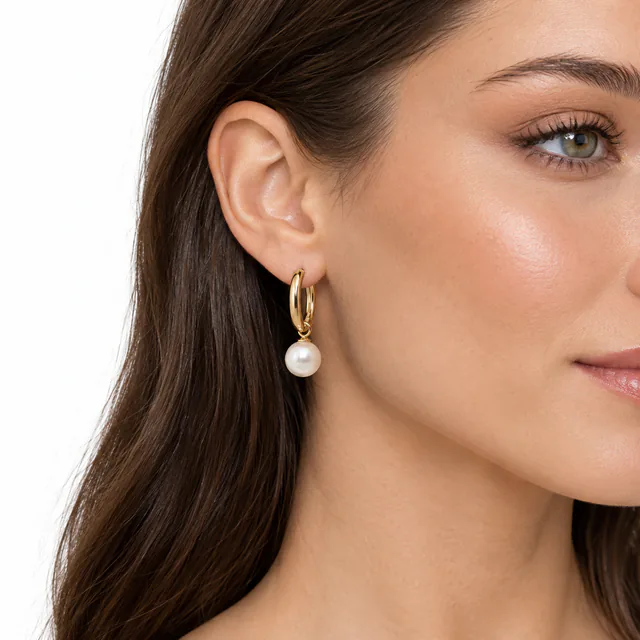
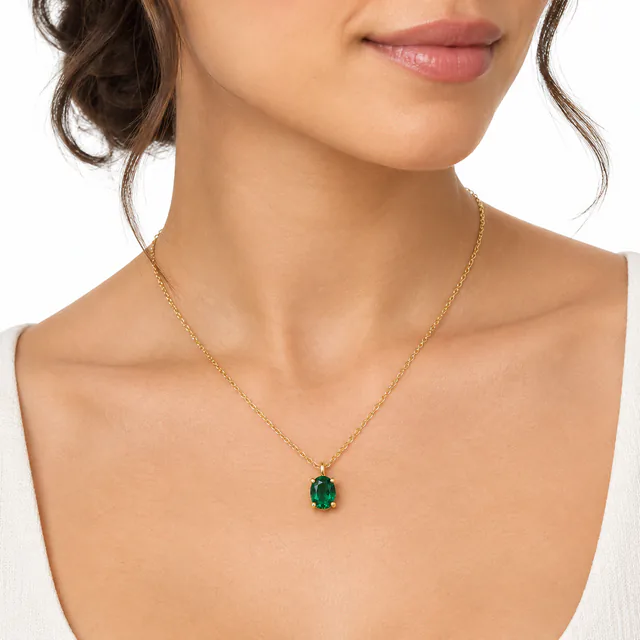
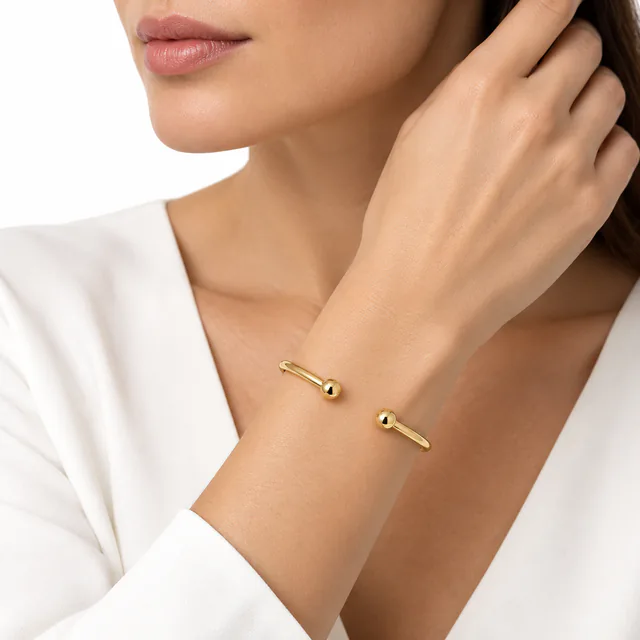
The model, pose, skin and lighting are generated. The model is not a real person, and each result can show a different one. There is no option to choose or upload a model in Lustrei today. Results are square images, as in the other modes.
Check scale, placement and detail before delivery
On-model images go wrong in different ways from catalog images. Compare each result with the product shot and look at the piece on the body:
- Scale: the piece is a believable size for the hand, ear, neck or wrist. Oversized stones and pendants are easy to miss at a glance.
- Placement: a pendant sits where its chain length would put it, earrings hang from the lobe, and a ring sits on the finger rather than floating above it.
- Design: stone count, setting, metal color and engravings match the product shot.
- Anatomy: fingers, nails, ears and skin look natural, with no extra or merged fingers.
- Chains and clasps: chains run continuously and are not tangled, broken or doubled.
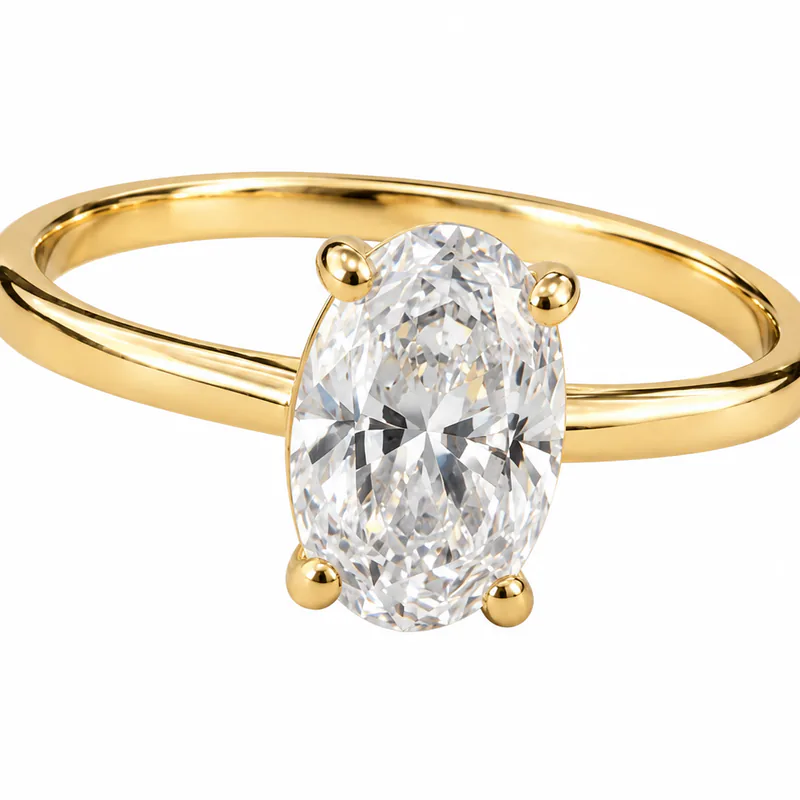
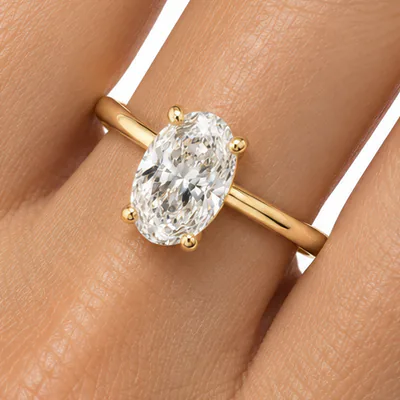
If the piece looks wrong, create a new version of the image. Small fixes to skin or background can be done in Photoshop, but do not repaint the jewelry itself to hide a change.
Telling the client
Tell the client that the model is AI-generated and that the image shows how the piece could look when worn, not a photograph of it being worn. Before they publish, they should check whether the marketplaces and platforms they sell on have rules for AI-generated images.
Questions retouchers ask
Can I choose the model?
Not today. In On-model mode you upload the jewelry photo and the AI generates the model, pose and setting.
Is the model a real person?
No. The model in an On-model result is AI-generated.
Will the jewelry be the right size on the model?
Not always. AI can make a piece too large or too small for the body. Check the scale against the product’s real measurements before you deliver the image.
Which jewelry works in On-model mode?
On-model is set up for rings, earrings, necklaces and bracelets, and places each where it is worn: hand, ear, neckline or wrist.
Can I use the image for client work?
Under Lustrei’s Terms of Service, you own the images you generate, subject to the Terms and any third-party rights. You must have permission to upload and process your client’s photos.
Is Lustrei free?
Yes. Lustrei is currently free to use, with no credit card or subscription required. Usage allowances apply.