
Where AI fits in a retoucher’s workflow
Generative AI does not edit the pixels of a photo the way a healing brush or a curves layer does. It reads the source image and draws a new one. That is why it can replace a cluttered background or relight a piece in one pass, and also why it can quietly change a stone, a prong or an engraving.
Treat the AI result as a new photograph of the piece: quick to get, useful as a base, and not to be trusted until it has been compared with the original. In practice, AI is most useful for the slow, repetitive parts of a job:
- Replacing a messy table, hand or packaging background with a clean white one.
- Cleaning up dust and color casts from mixed household lighting.
- Giving photos taken on different days a more consistent look across a batch.
- Creating on-model or styled scene images when the client only has a product shot.
The precision work, meaning stones, settings, metal edges and anything the client will inspect at 100%, stays with you.
Working from a client’s bad photo
Client photos usually arrive with the same handful of problems. Some are worth handing to AI first; others are better kept for manual work.
Worth trying with AI first
- Cluttered, colored or textured backgrounds.
- Yellow or blue color casts from household lighting.
- Dust, lint and small marks on the surface.
- Flat or uneven lighting across a set of photos.
Keep for manual work
- Soft focus on stones or engravings: AI may draw sharper detail, but that detail is invented, not recovered.
- Parts of the piece that are cropped or hidden in the source.
- An exact gemstone or metal color that the client must match.
- Hallmarks, logos and engraved text.
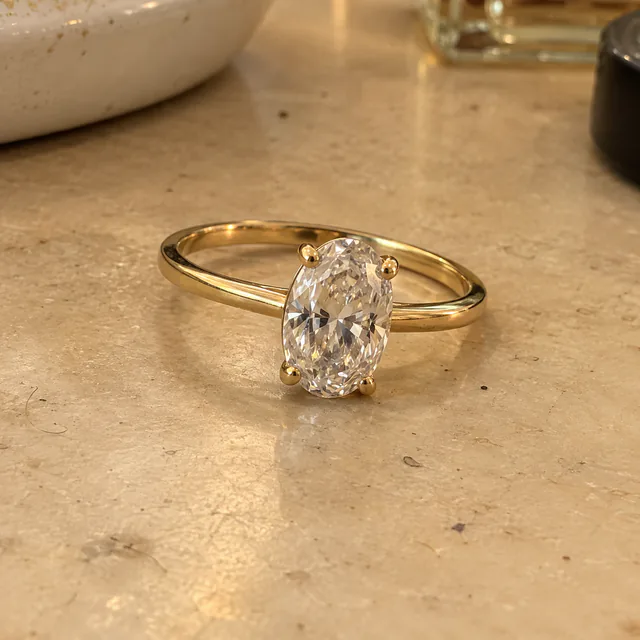
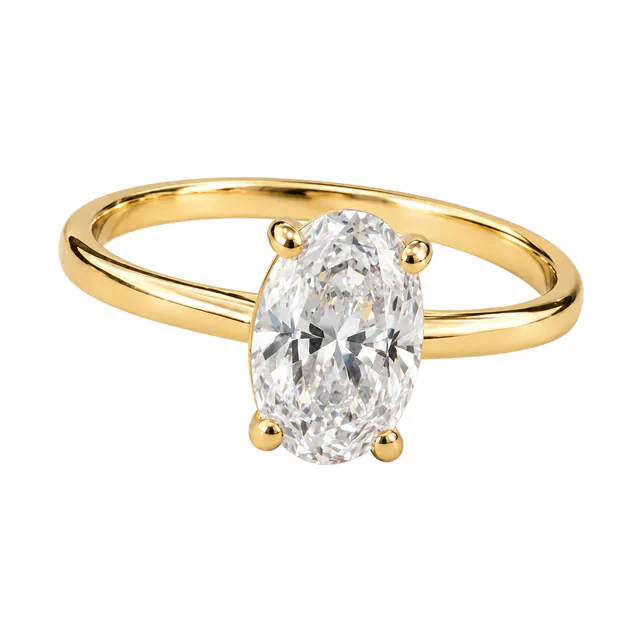
If a source is too poor for either approach, ask the client for another photo before spending time on it. A sharper source leaves the AI less to guess.
Running a batch for a client
In Lustrei, choose one mode for the batch, Catalog, On-model or Social, and add up to 10 photos at a time. Each photo is generated and reviewed as its own image.
- Run one representative piece first and check it against the source before committing the whole set.
- Keep the client’s file names, so every result can be traced back to its source.
- If a result isn't right, create a new version of that image.
- Choose the results you'll deliver and download those in HD. Downloading the same image again, in any available size, is included.
Before you deliver: a checklist
Compare every result with the source at full size. In the studio, each result has a Compare with original view.
- Stones: count, cut, layout and color match the source.
- Setting: prongs, bezels and pavé are where they were, with none added or merged.
- Metal: color, finish and edge shapes are unchanged, and a ring shank keeps its width.
- Text and marks: engravings, hallmarks and logos are not invented, removed or rewritten.
- Proportions: on-model images show the piece at a believable size on the hand, ear, neck or wrist.
- Background: the white or transparent background meets the client’s or marketplace’s specification.
- Edges: transparent PNGs are checked on both a dark and a light background, including fine chains.
- Size: the export is large enough for the client’s use without relying on upscaling for detail.
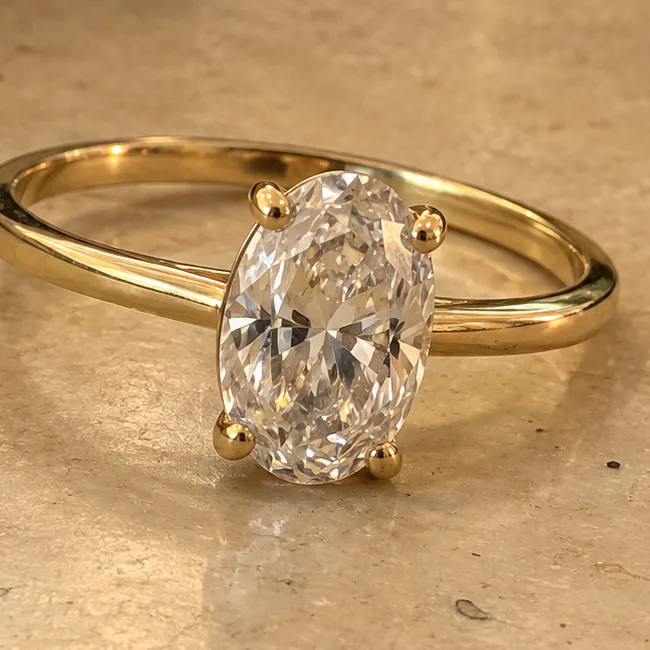
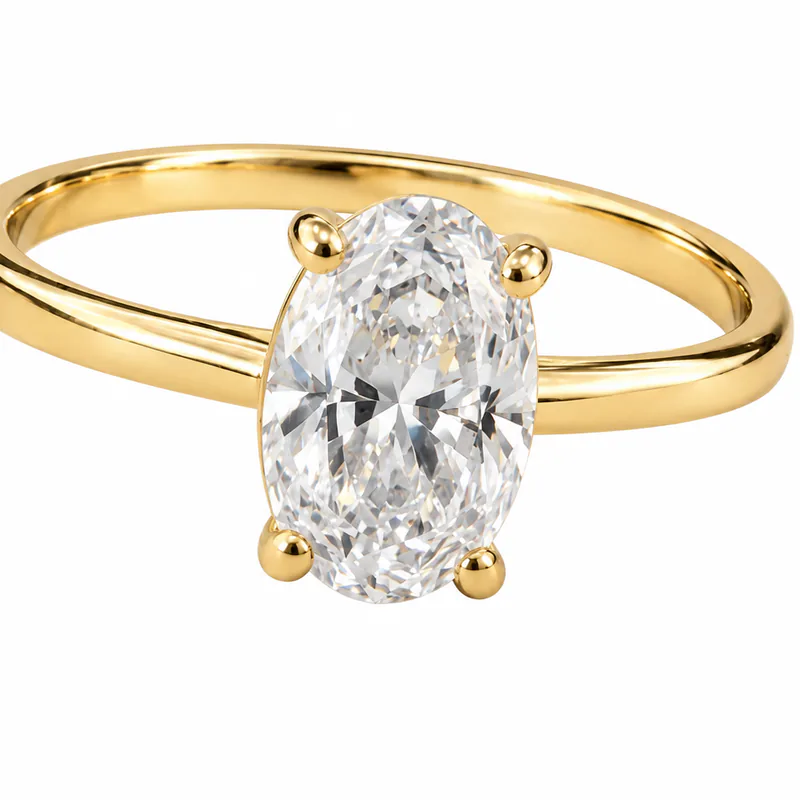
If any check fails, fix the area by hand or regenerate the image. Do not deliver a result the client could reject for changing their product.
Finishing in Photoshop
Results are square. Download the one you need as a PNG at 1024, 2048, or 4096 pixels. Sizes above the generated resolution are upscaled from the selected result: they are larger, but they do not contain new jewelry detail. Catalog results can also be downloaded as a transparent PNG for placing on the client’s own background.
- Place the client’s original as a layer above the result, then toggle it or lower its opacity to spot changes.
- Where a stone or engraving changed and the angle still lines up, mask the original detail back in.
- Finish with your usual dust, edge and color passes, then crop to the ratio the client needs.
- Keep a copy of the untouched AI result, so you can show the client what changed if they ask.
Questions retouchers ask
Can AI retouch jewelry without changing the design?
Not reliably. Generative AI redraws the image, so stones, settings, metal edges and engravings can change. Compare each result with the original before you deliver it.
Can I use Lustrei for client work?
Under Lustrei’s Terms of Service, you own the images you generate, subject to the Terms and any third-party rights. You must have permission to upload and process your client’s photos.
Which file should I take into Photoshop?
Download a PNG at the size you need: 1024, 2048, or 4096 pixels. Sizes above the generated resolution are upscaled and do not add detail, so retouch fine detail against the original rather than relying on a larger export.
How many photos can I process at once?
Up to 10 photos at a time, in one mode. Each one becomes its own result that you review and download separately.
Is Lustrei free?
Yes. Lustrei is currently free to use, with no credit card or subscription required. Usage allowances apply.